
Manage labour costs. In every shift.
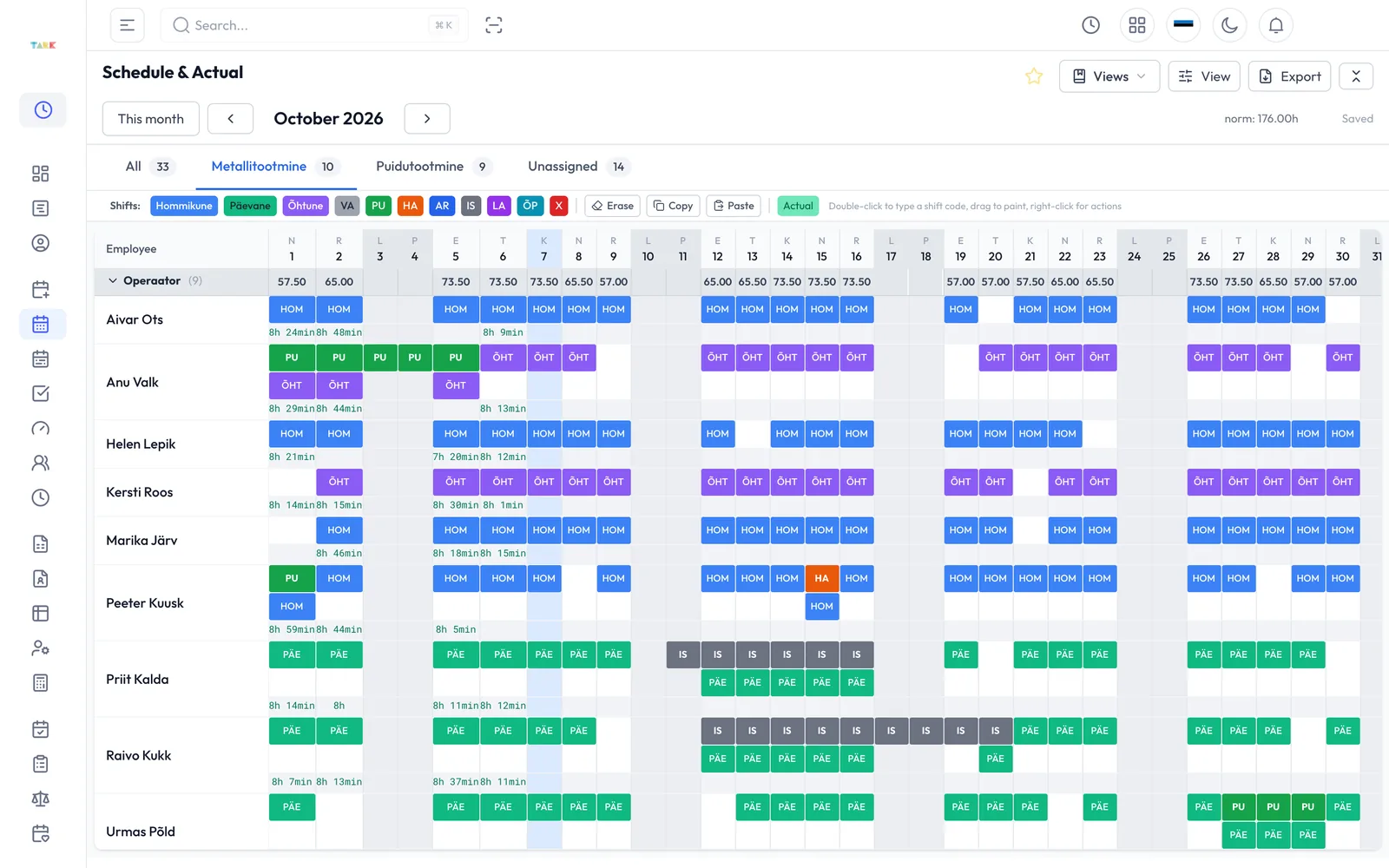
Plan shifts around demand. See working hours, unit revenue and labour costs in one view.
 Demo data

Four steps to managing labour costs
-
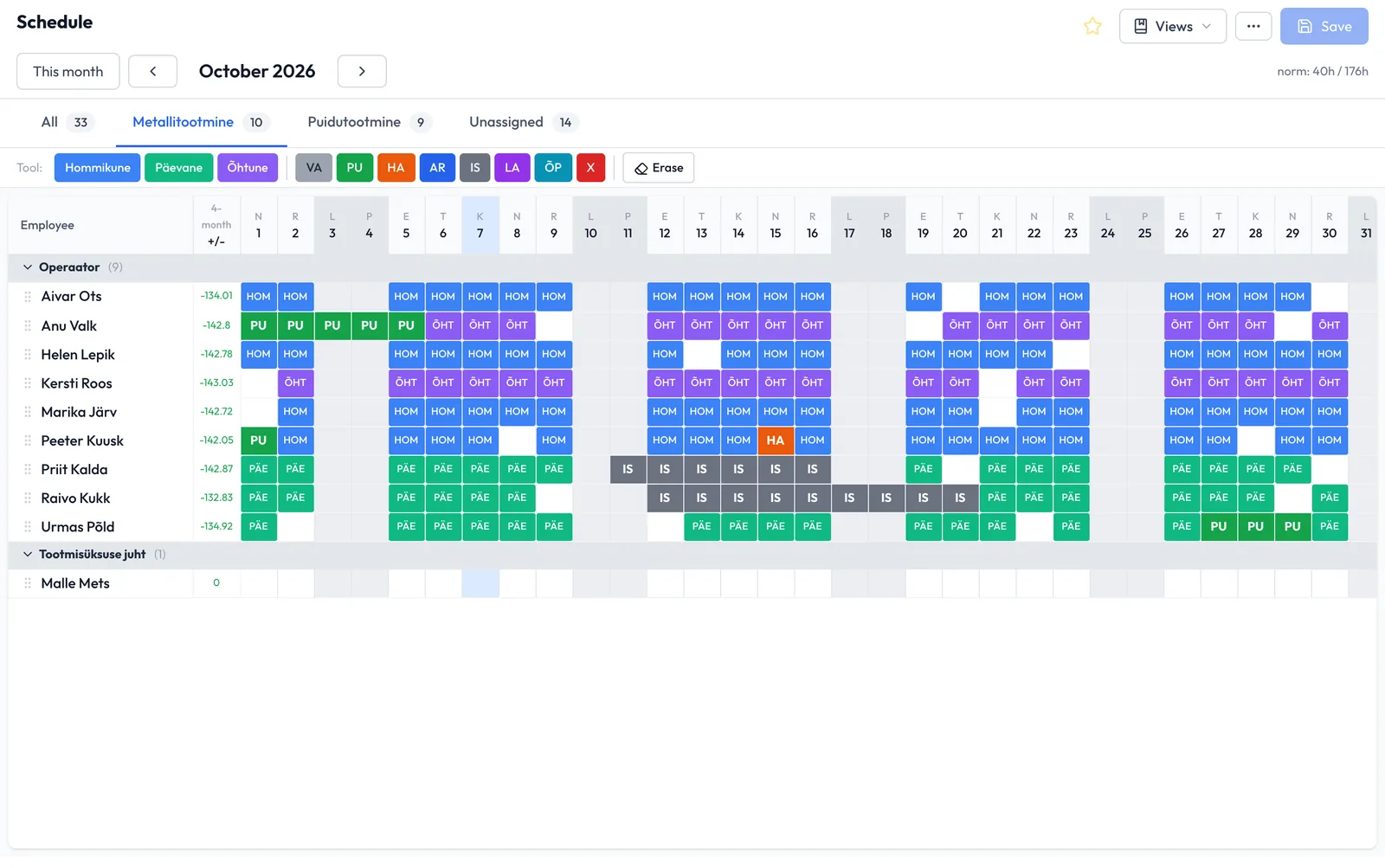
Plan around demand
Use orders and bookings to plan shifts and the working hours needed.
 Demo data
-
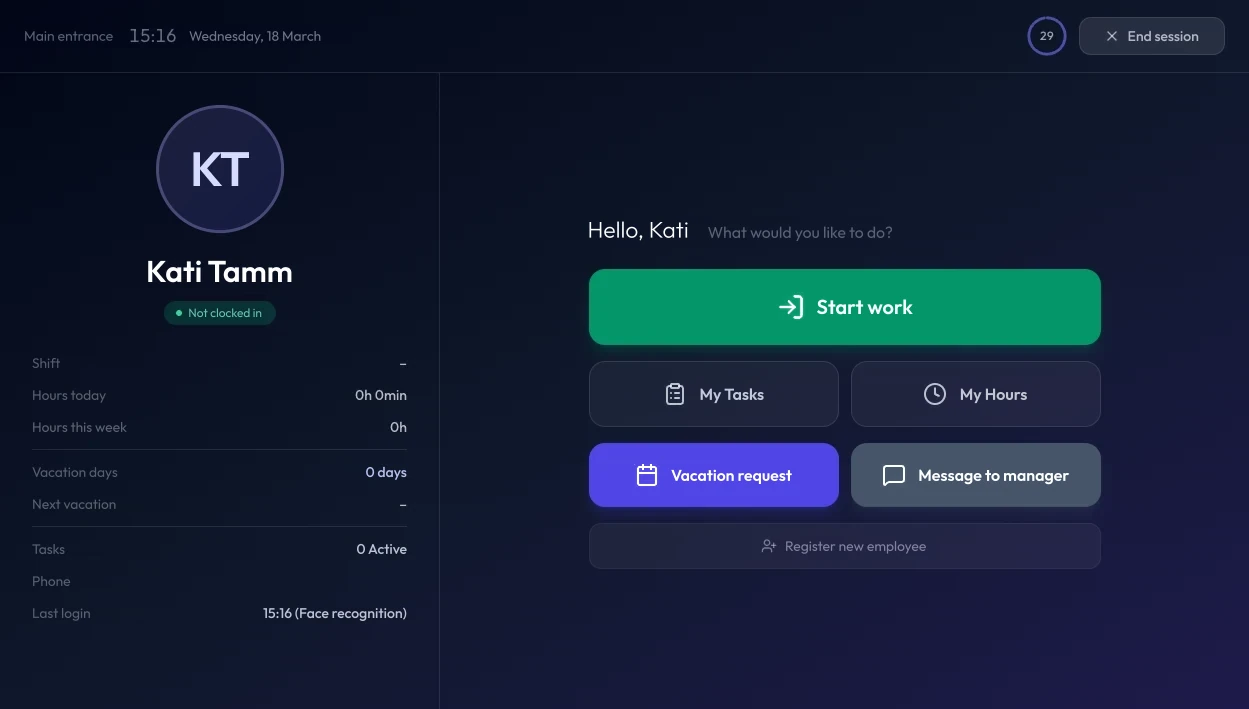
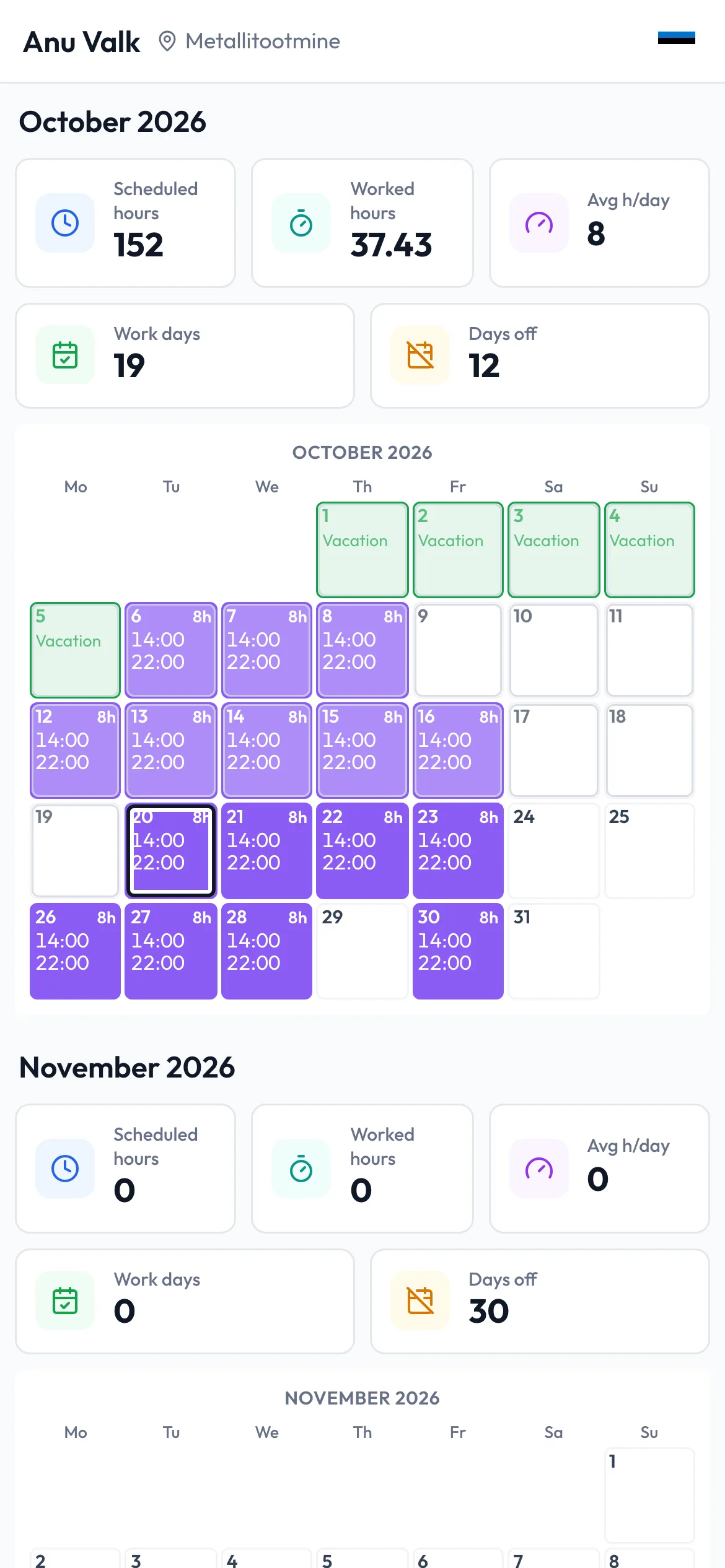
Working hours go on record
Employees see their schedule on their phone and clock in and out at the kiosk.
Demo data
-
Spot excess working hours
See hours that differ from the plan and revenue per working hour for each unit.
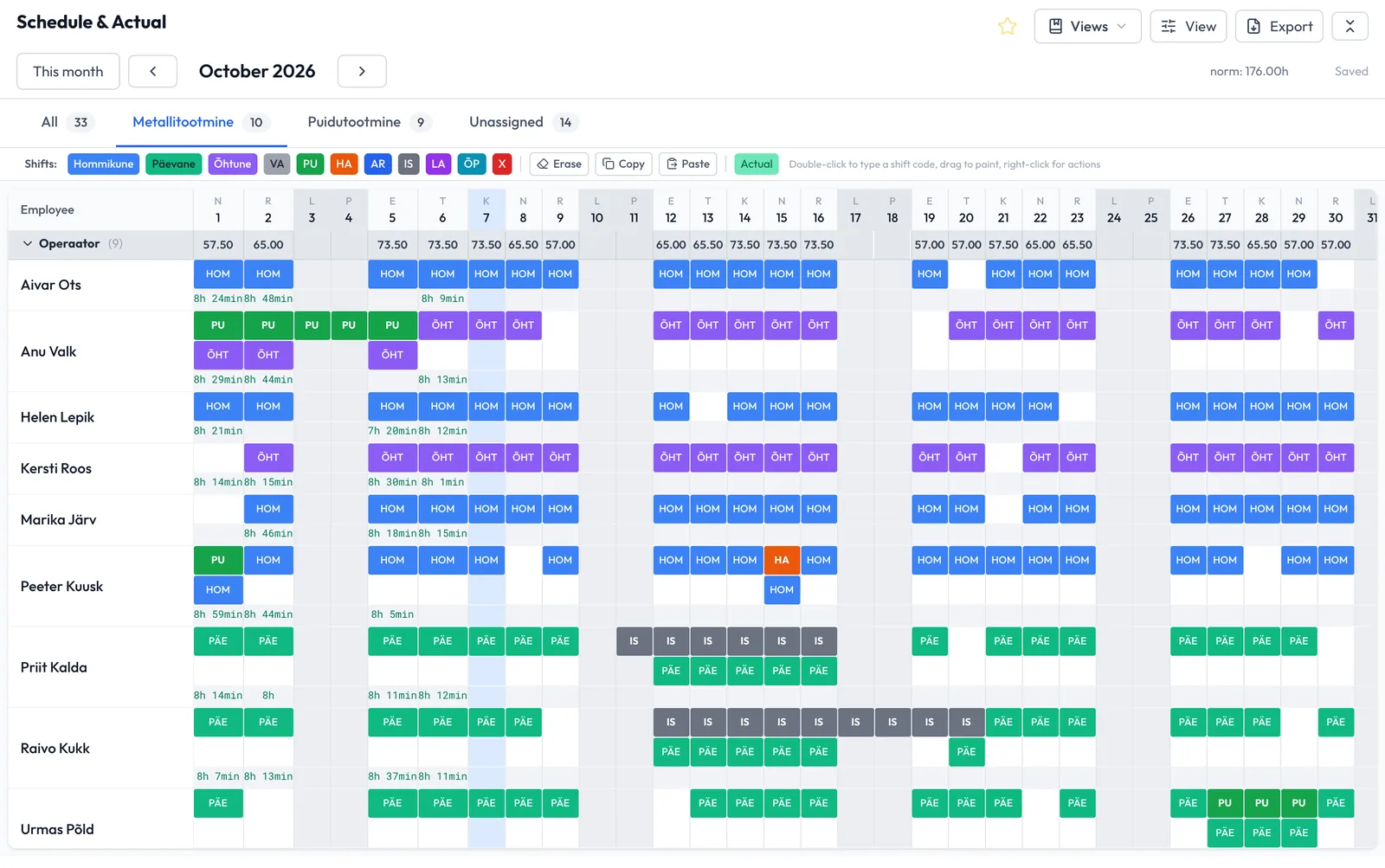 Demo data
-
Improve the next schedule
Adjust shifts and work allocation. Track the effect on working hours and labour costs.
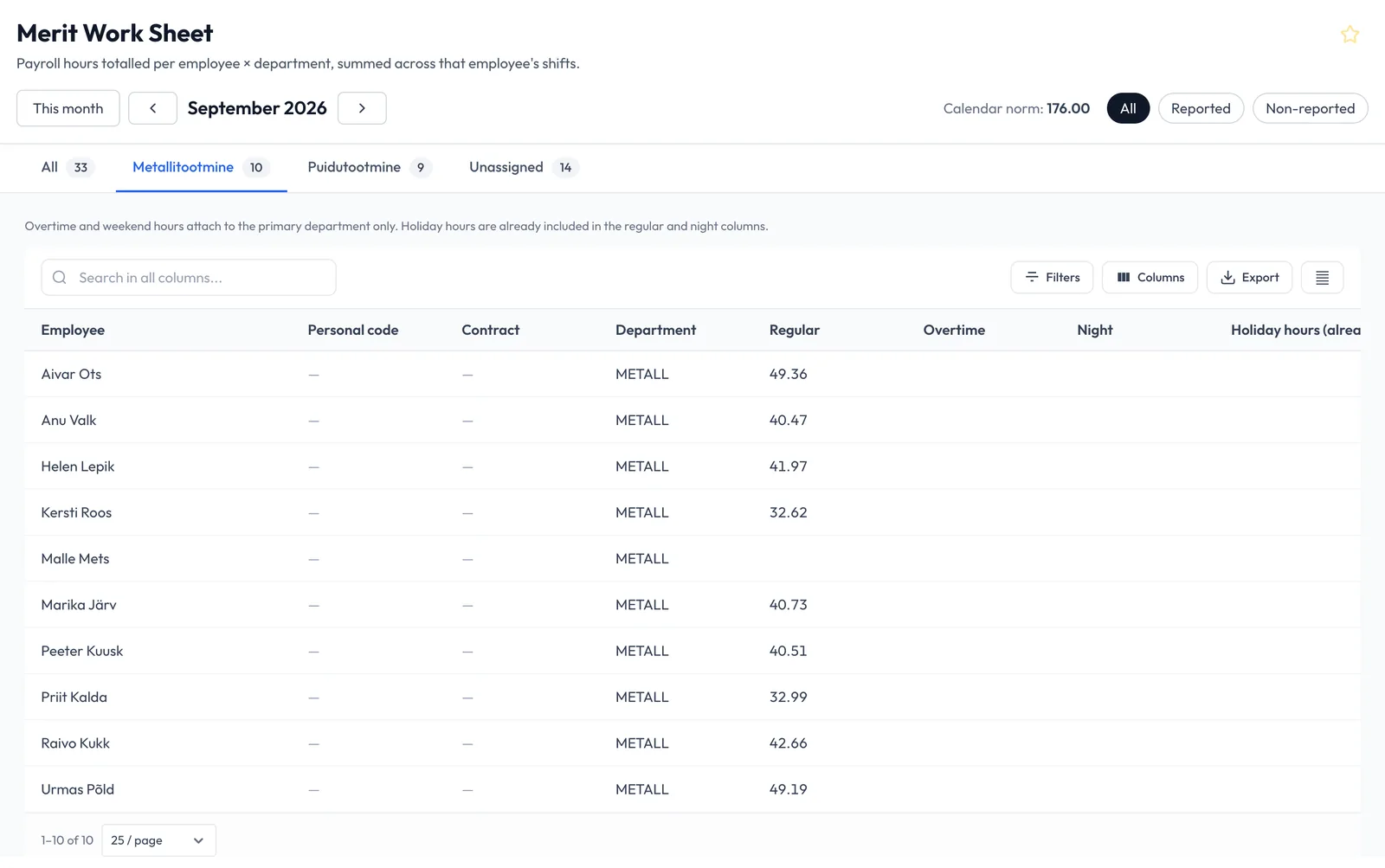 Demo data
Manage people, work and results.
People and time
The manager checks actual hours against schedules.
Sales and customers
The salesperson keeps offers and next actions together.
Projects and tasks
The project manager tracks owners, deadlines and logged project hours.
Revenue and costs
See where labour costs are growing and how each unit’s results change.
The right overview for every manager
CEO
Revenue, working hours and labour costs across all units.
Unit manager
Your unit’s results and revenue per working hour.
Planner
Shifts, absences and hours that differ from the plan.
Calculate the impact on your costs.
Example- Lower annual labour costs
- 3%
- First-year Tark Aeg cost, including setup
- 1%
- What you keep in year one
- 2%
Not a promise: percentages are of annual labour costs, excluding VAT. Actual figures come from your own data.
Bring data into management.
Tark connects bookings, revenue and payroll data with hours worked.
Data
- Bookings Bouk, TableOnline
- Till (POS) CompuCash
- Financial data Merit Aktiva
- Payroll Merit Palk, RP Taavi
- Kiosk and phone Tark Aeg
- Excel and by hand
+ Alldevice (maintenance system) and ERP systems

A view for every role
- ManagerRevenue per hour worked
- Unit managerHours against target
- PlannerScheduled and actual hours
- EmployeeYour hours and shifts
- AccountantChecked hours to payroll
Your AI agent
Ask about schedules, hours, labour cost, projects, tasks and quotes. The agent answers from Tark data and drafts changes for you to approve.
See examplesMissing a system you need? We’ll find a way to connect it.
Start with one unit
We launch Tark around your operating calendar.
Choose a goal
Choose the first unit and the result you want to improve.
Prepare the team
We set up schedules and connections, then train your users.
Try it in daily work
Use Tark in the selected unit and review the result before expanding.
Ask Tark in your own words
Ask about schedules, hours, labour cost, projects, tasks and quotes. The agent answers from Tark data and drafts changes for you to approve.
Questions and answers
What makes up the price?
The price includes a one-off fee and a monthly fee per user. Your offer lists the selected modules and connections.
Do I need every module at once?
No. Start with one module and add others as needed.